
I will never forget the question, “Why do you have an iPod?” This was about 5 years ago. I was about one week on my new job in Chicago, and my millennial colleague delivered the question with judgement. She said it rather loud in the conference room before our team meeting was to start, which allowed everyone to ponder my life choices. I had driven to Wisconsin the prior weekend, and was telling some story about getting my iPod to play in the car, which was always an adventure. I have a decidedly low tech Nissan.
The old guy has an iPod.
I tried to defend myself, explaining that I had loaded all my old CD’s from my glory days to listen to on road trips. Eddie Money’s Greatest Hits isn’t going to suddenly start the sing-along without my trusty iPod. I scanned the room for some support, but it was too late. I had been shamed by a millennial. This is a tech company. This is their world.
Don’t get me wrong. I like the changes Millennials have brought to the workplace. In many ways, I was millennial before they were. I worked at a bank, telephone, and insurance company early in my career, and the corporate rules and traditions were something I never really liked. I was known for pushing the rules. I paved the way for the current dress code, which is literally anything you feel like wearing. Millennials wear flip-flops, shorts and worn t-shirts. I fought for jeans on Friday. Where’s my commemorative plaque?
Before I knew it, my phone was out and the room was crowded around giving advice about apps for streaming music. I had Pandora, but the group had concluded that wasn’t the best, and that I needed Spotify. I had to immediately download. I rarely use it.
I tell this story to provide the backdrop of my perspective. Half of my work relationships are in shorts and t-shirts, and the other half wear pants and shirts with collars. It’s a millennial culture where the middle age folks peacefully co-exist. When I recently posted on Facebook that I cut the cable cord, I was surprised by the responses from my friends that wanted to, but hadn’t quite done it yet. I realized I thought I was behind making the leap off cable compared to my streaming friendly work colleagues, but maybe not so much by my cord-cutting-curious friends.
So here’s my experience and advice.
- Don’t worry about how smart your TV is. It doesn’t really matter. I don’t have smart TVs and wasn’t going to buy new ones.
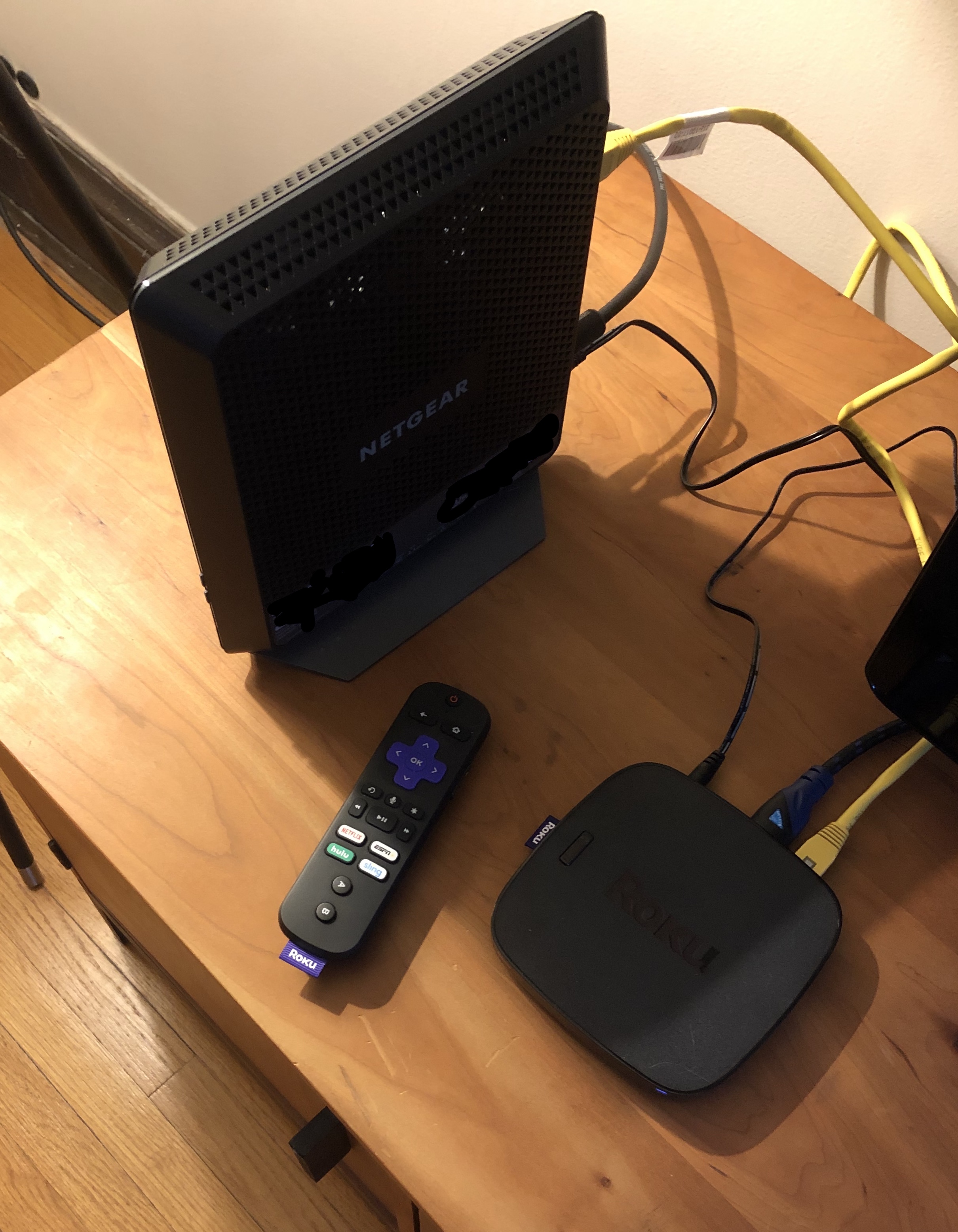
- Get a decent cable speed (technically you need 10 mps to stream, but you should be going for 50 mps or more, keeping in mind your signal will slow as it travels to the TV). Get your own equipment. I went for a combo modem/router that far exceeded the coverage and speed of my rental I originally got from the cable company. You need to do a little homework on compatibility. I did a quick search on the Google machine that took me directly to a page for my cable company that provided make/model compatible modems. When you do the switch, you need to call your cable company so they recognize the equipment. This is pretty quick, minus the 30 minutes on hold to speak to the next available representative.
- Test out the coverage of a good modem/router before buying a Wi-Fi extender. You may or may not need one. My cable company was promoting some brand, but I stuck with an extender from the same company that built the modem.
- The player. Quite possibly the biggest decision you will make. The big guys each have their own: Apple TV, Google Chrome and Amazon Fire. They each also have their own content (or soon will, in the case of Apple). The likelihood of content wars and shenanigans increases as big media continues to shift to streaming. Not all streaming apps are compatible with all players. For those reasons, I went with the market leader, and in my opinion the most independent: Roku. You may make a different choice depending on your current investments and preferences in tech and media. I went with what I deemed the safest choice.
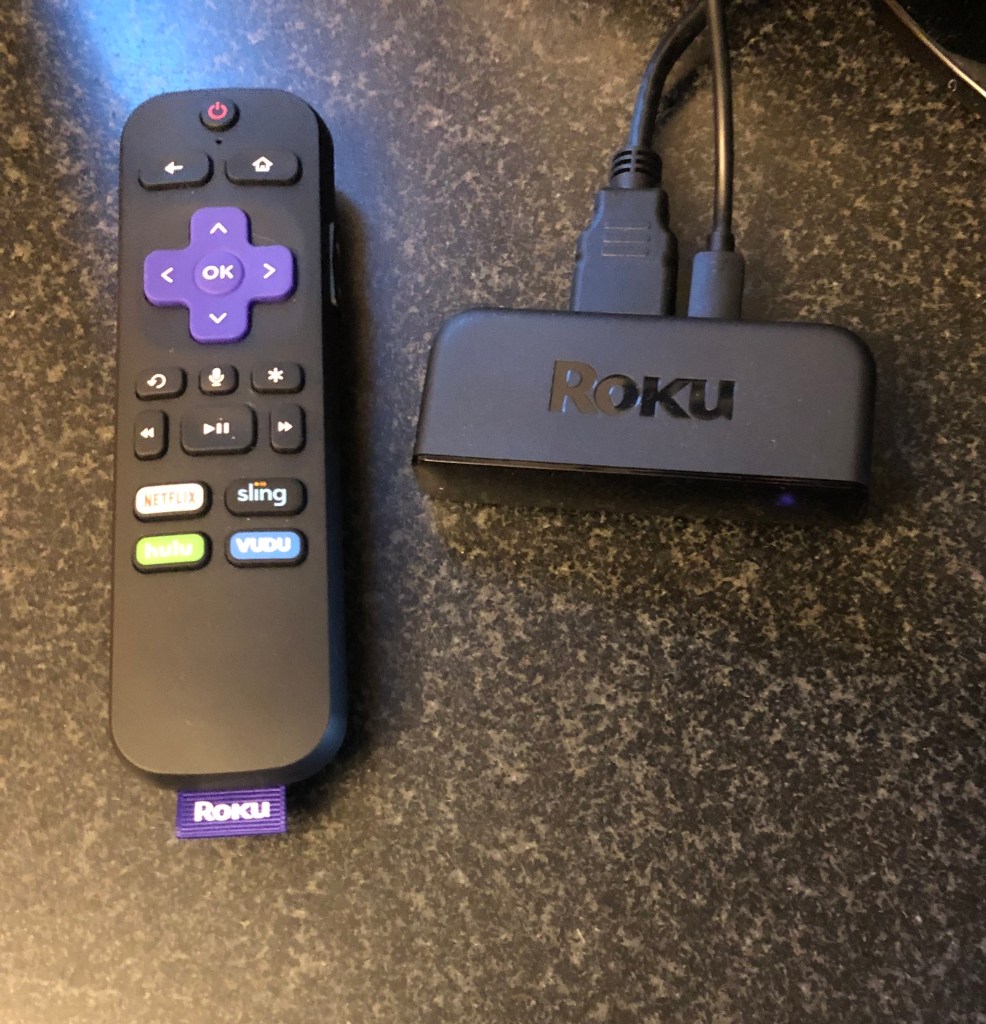
- Note about Roku: A small but not insignificant change on the latest version is the TV compatible remote. It’s an all in one, that looks similar to the last version, but eliminates the need to keep separate remotes out for the Roku device and the TV. There is also voice command support. The all-in-one improvement was HUGE for me, and apparently with lots of Roku users, since they were 100% sold out on the Roku website. I ended up tracking down what I needed via Amazon and the Wal-Mart online store. Which was a first for me, the Wal-Mart online store. I live in Chicago and haven’t seen the inside of a Wal-Mart for nearly 20 years, still haven’t. We just don’t have them in the city. I can say the online experience was great, and in some ways better than Amazon, which pains me to say, because I love Amazon. Well, really, I love not leaving the house to order stuff. Amazon may have fixed this, but there are a few different Roku players, and they would show pictures of the wrong player when I selected the item, which made me nervous, so I ordered those from Wal-Mart.
- Another note on Roku: I bought Roku Premier+ (the ‘plus’ is the remote improvement) for my TVs I steam to by Wi-Fi. I got a Roku Ultra for the main TV next to the modem, since the Ultra has a port you can hook directly to the modem. The all-in-one improvements are part of the Ultra remote, as well as a port in the remote for earphones, in case you want to watch TV, and not bother the rest of the house.
- Replacing the cable package. This was interesting to me. I learned a bit in this process. First, as I think everyone knows, there is already free TV being beamed into your house, you just need a digital antenna. Beyond that, you need to prioritize what you want to watch on those ‘cable’ channels. I assume most everyone has Netflix and Prime at this point, that’s not cable. Those are givens. Roku has some content available through their service, which is mostly just old TV shows. HBO has it’s own fairly pricey HBO Now (not to be confused with HBO Go, which goes with a cable package). See, this is the thing. All these ‘apps’ that you can load on Roku, for example: VH1. They require you to have a cable subscription to work. I mean, what the fork? Why in 2019 am I still required to pay for 250 channels when I only want 9? I guess these apps are more intended for your phone or iPad when you are away from home. Maybe that’s something your kids would do, but seriously, I would never stream VH1 on my phone. Ever. Not even for the finale of RuPaul’s Drag Race.
So the whole a la carte, cutting the cord rhetoric is way over sold in my opinion. Big guys like HBO, have HBO Now, which you pay almost $20 a month for without cable, or HBO Go that works as long as you pay for HBO in your cable subscription. But most of the non-premium channels, for example: VH1, don’t offer an al a carte option. So now you are left searching for a channel bundle not unlike a cable package. Ugh.
The good news? Once you get Roku set up, it’s fairly easy, since you can order most of this stuff through that interface, and have it all come through that payment method and set up. That’s true for on-demand movies as well. Easy peasy. The bad news, you need to research who offers which ‘live TV’ package or bundle. I knew some of this going in, and had selected Hulu, with the live TV package. This got me the Hulu original content, my basic cable news channels, ESPN, the main networks. It’s a good list of channels, and cost around $45 for the biggest package, but the most basic package starts around $9, or so. As it turned out for my household, I need Hulu and Philo. Never heard of Philo? Me either, until about two weeks ago. My partner loves to watch those reality shows where people are horrible to each other. Shows that I never even knew existed, I can now walk in the room and say, “I thought he cheated on her, are they back together?” I’m not proud of that. As it turns out, the channels for those shows aren’t on Hulu, or even Sling. They are available on Philo (btw, is it ‘f-ee-low’ or ‘f-eye-low’?). So for another fee, I think around $20, I get another bundle. Some of which overlaps with my Hulu bundle. On a personal note, I do now get BBC America and Comedy Central with Philo, which isn’t available on Hulu, so that’s a plus.
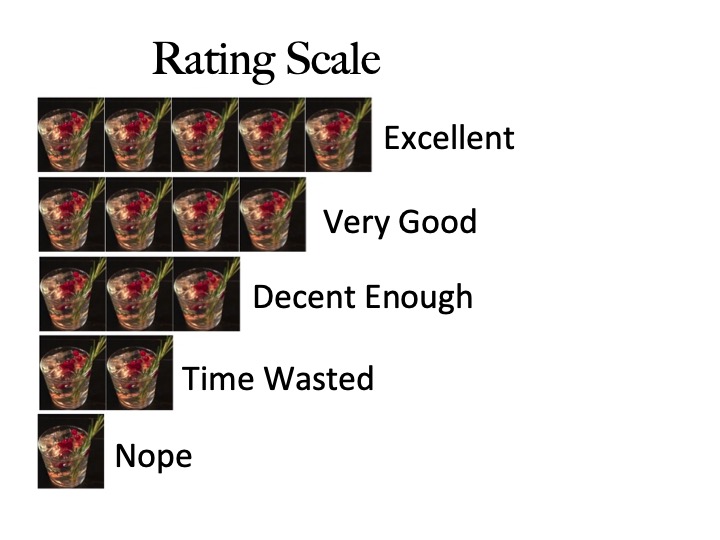
So what’s the verdict? Overall, the technical switch was pretty simple. It took me less than an hour (minus the 30 minutes waiting for someone from the cable company to pick up the phone). The experience with the TV and remote is excellent. If you are indifferent on the player, I do recommend Roku. The biggest win, really the whole point of this endeavor is I’m saving money. Quite a bit of money, even with the separate streaming bundles. I haven’t finalized the total, but over $100 a month, which makes this worth it. On the official rating scale, I give it a four gin and tonic. The biggest improvement is making it easier to choose your channels.
 Perspectives for when the bars have become too loud